The iPhone 17 Pro Just Replaced My $6,000 Camera — And I’m Not Mad About It
If you had told me two years ago that I’d show up to a full-scale client shoot with an iPhone and trust it next to my Canon R5 Mark II… I would’ve laughed. Phones were for BTS, stories, and quick snaps — nothing more.
But then the iPhone 17 Pro dropped, and everything changed.
This isn’t a gimmick post, and I’m not trying to convince anyone to ditch real cameras. I’m just documenting what actually happened: the phone that used to be my backup cam is now producing images and video so clean, so detailed, and so editable… that it’s officially part of my main workflow.
And yeah — sometimes, it’s outperforming my $6K camera. Here’s how.
48MP RAW Files That Actually Compete With a Full Frame Body
The biggest shift for me wasn’t the camera app — it was the first time I pulled the 48MP RAW files into Lightroom and realized…
These are legit. Not “good for a phone.” Just good.
I’m getting the same kind of detail, latitude, and color data I expect from my 45MP Canon RAW files — enough to survive heavy editing without falling apart.
Skin tones hold up. Highlights aren’t trash. Shadows lift cleanly. Nothing looks plastic or “computational.” It just looks real.
Dynamic Range That Sometimes Beats My Canon
Here’s the wild part:
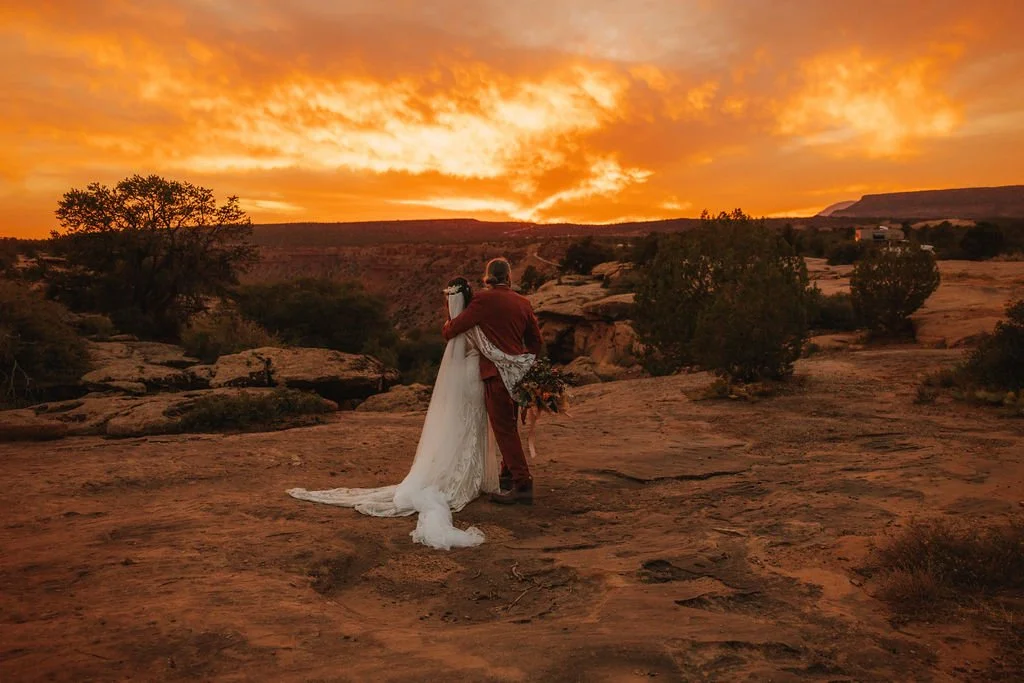
In certain lighting — like brutal backlit sunset shoots — the iPhone 17 is actually preserving highlights better than my full-frame body.
Why? Computational HDR + better auto-exposure logic + Apple’s new Photonic Engine.
No blown-out skies. No clipped dresses. No crushed blacks unless I choose it in editing.
There are shots from a recent elopement where the phone image was flat-out more usable straight out of camera than the DSLR version.
That sentence would’ve sounded like blasphemy last year. Now it’s just… true.
Video: 4K 24/60/120 Is My New Standard
I’m shooting:
4K 24p for cinematic footage
4K 60p for clean slow-motion
4K 120p for ultra-slow hero moments
No grainy 1080. No compromise.
And almost all of it is color-graded with my standard presets — not the washed-out “phone look.”
Is it replacing my cinema camera for full commercial jobs? No.
Is it good enough to intercut with my R5 footage on reels, promos, event work, BTS, and client content? Absolutely.
What the iPhone Still Can’t Touch (Yet)
If Apple ever adds IBIS (in-body image stabilization), it’s game over.
That’s the one thing holding it back from being a true handheld workhorse.
Also still limited:
True RAW video workflow is rough
Larger sensors still beat it in low light
Depth of field physics = physics (f/1.2 on a phone still ≠ f/1.2 on full frame)
But I’m telling you right now: we are so close.
I’m already planning to buy two more iPhones just to use as specialty cams.
My Exact iPhone 17 Pro Settings (Steal These)
📸 Photo Mode: 48MP ProRAW Max
🎞️ Video: 4K 24/60/120 (HDR OFF unless needed)
🎨 Editing: Lightroom Mobile + My Custom iPhone Preset
🛠️ Lenses Used Most: 24mm + 2x optical
Pro tip: Turn off HEIC. Shoot RAW. Treat it like a real camera.
It performs like one if you let it.
Free Lightroom Mobile Preset for iPhone 17 Users
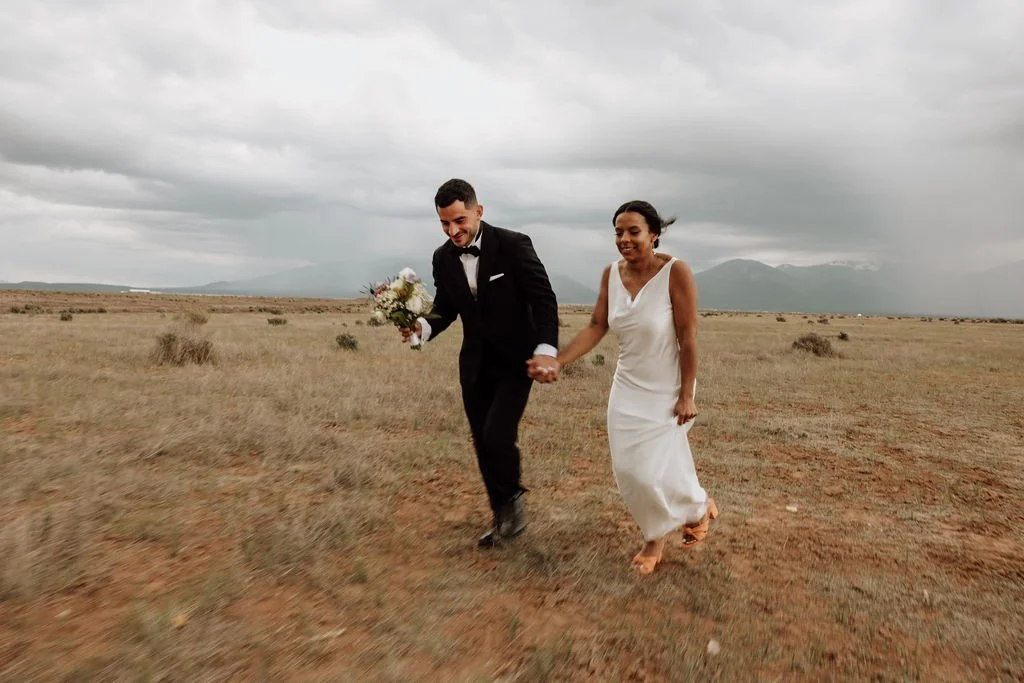
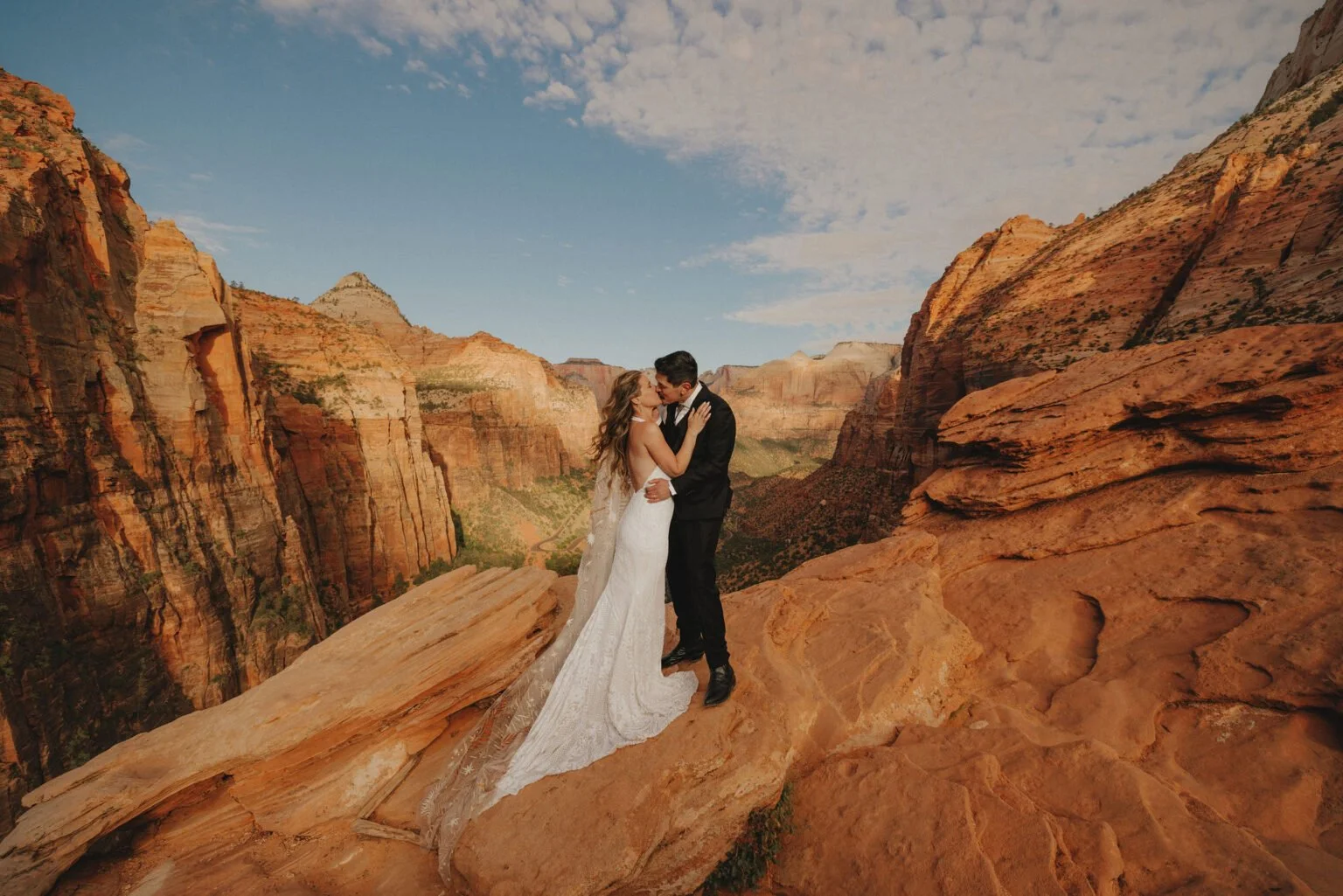
To celebrate this ridiculous leap in phone photography, I’m giving away my iPhone Pro Look preset — the one I’ve used to edit every photo in this post.
✅ Works on Lightroom Mobile (free or paid)
✅ Built specifically for iPhone 15/16/17 Pro RAW files
✅ Installs in 60 seconds
Just comment get in touch and I’ll send it to you.
Final Takeaway
The camera wars aren’t over — they just changed format.
I’m not replacing my full-frame gear. But I am admitting that the phone in my pocket now deserves a spot next to my main bodies on real client projects.
What used to be a toy is now a tool.
What used to be a backup is now a threat.
And if you’re still treating your phone like it’s “just a phone,” you’re already behind.
Keep reading